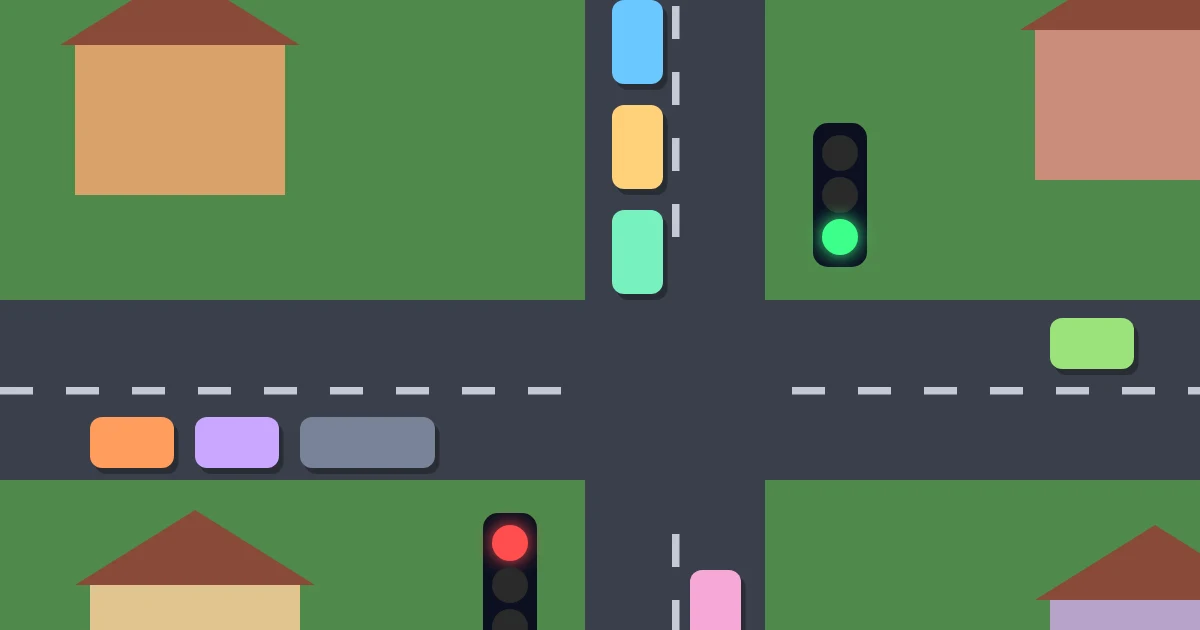
Traffic Control hands you the town’s traffic lights. Cars and trucks pour in along the main road and the side streets, and each junction lets only one road through at a time. Tap a junction to switch its lights: they go amber, wait for the junction to clear and then turn green the other way, so there are never any crashes — but a driver left at a red light for too long gives up in a huff. Get enough cars through before the clock runs out. Six towns grow from a quiet crossroads to a three-junction town centre with busier roads and slow trucks.
How to play Traffic Control
Goal: Get the target number of cars through before time runs out, without too many angry drivers.
Keyboard & mouse
- Click a junction to switch its lights
- Or press the junction’s number (Space with a single junction)
- P or Escape to pause
Phone & tablet
- Tap a junction to switch its lights
Rules
- Each junction gives green to either the main road or its side street.
- Switching takes a moment: the lights turn amber and wait until the junction is clear.
- A bubble above a waiting car fills up; when it is full the driver gives up angrily.
- Too many angry drivers, or running out of time, ends the level.
Tips and strategy
- Switch when a queue builds up, not every second — each switch costs a little time.
- The main road is usually busier; give it longer greens.
- With several junctions, keep the main road green at all of them together.