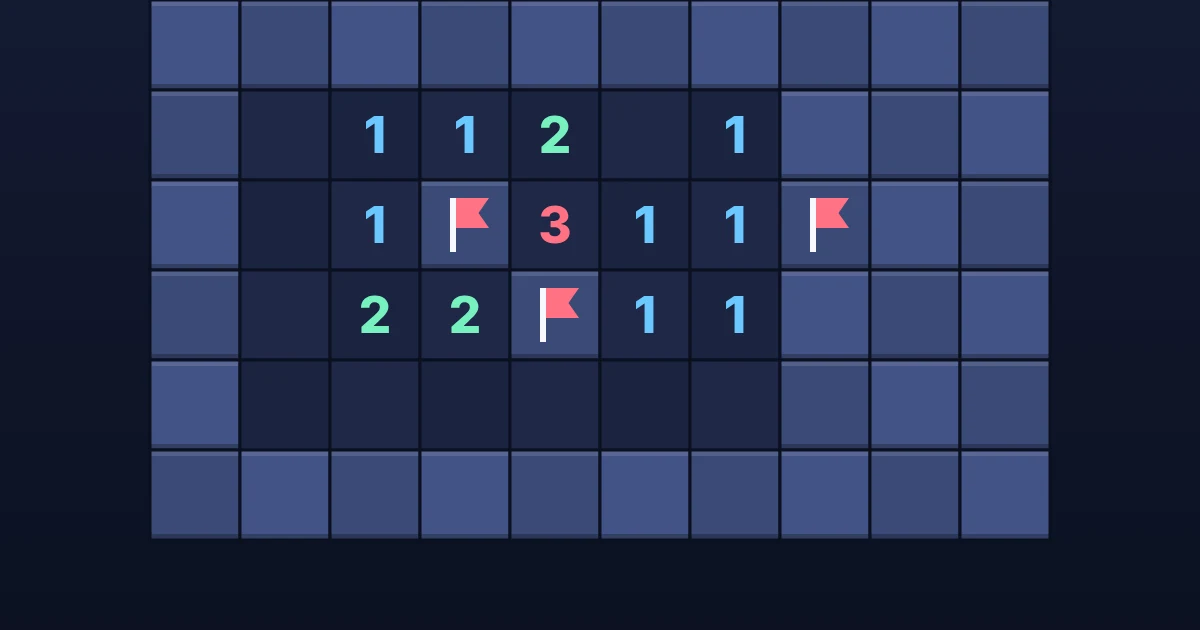
Mine Finder is a classic deduction puzzle with a fair twist: every field is checked by a logic solver before you play, so you can always clear it by reasoning — no forced guesses. Your first tap always opens a safe area. Each number tells you how many hidden mines touch that square; flag the mines, open everything else, and race the clock across ten fields that grow from a quick 8×8 to a 140-cell summit.
How to play Mine Finder
Goal: Open every square that does not hide a mine.
Keyboard & mouse
- Click to open a square, right-click to flag
- Arrow keys to move, Enter to open, F to flag
- Click a number whose flags are placed to open its neighbours
- P or Escape to pause
Phone & tablet
- Tap to open a square
- Long-press, or switch to Flag mode, to place a flag
Rules
- Your first tap is always safe and opens an area.
- A number shows how many mines are in the eight squares around it.
- Flag squares you are sure hide mines; the counter shows flags left.
- Opening a mine ends the run. Every board can be solved without guessing.
- Finish quickly for more stars; any clear unlocks the next field.
Tips and strategy
- Start from numbers next to the fewest hidden squares.
- A 1 touching exactly one hidden square means that square is a mine.
- When a number already has all its flags, tap it to open the rest at once.
- Compare neighbouring numbers: the difference between them often reveals a safe square.